


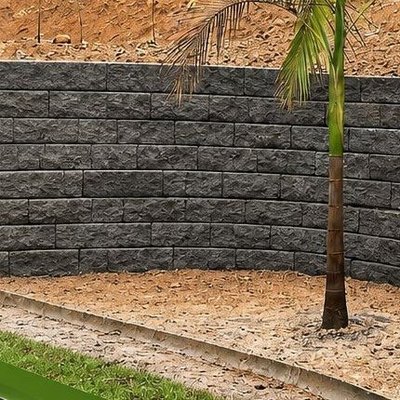
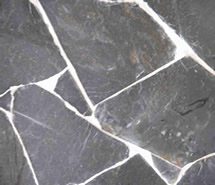

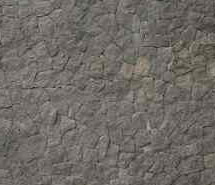

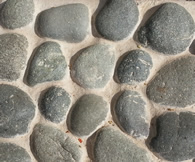

See the stone on your own wall
Upload a photo of your wall, façade or column, mark the area and pick the stone. A second later you see it in place, carrying the light and shadow of your own photograph.
Your photo is never uploaded. Everything runs inside your browser, on your own phone or computer.
Upload the photo of your wall
Drag it here, or press “Choose or drag a photo”.
How it works
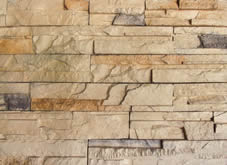
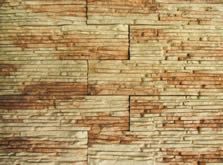
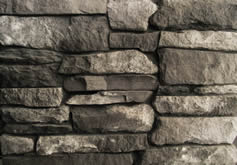
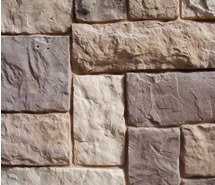
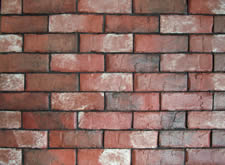
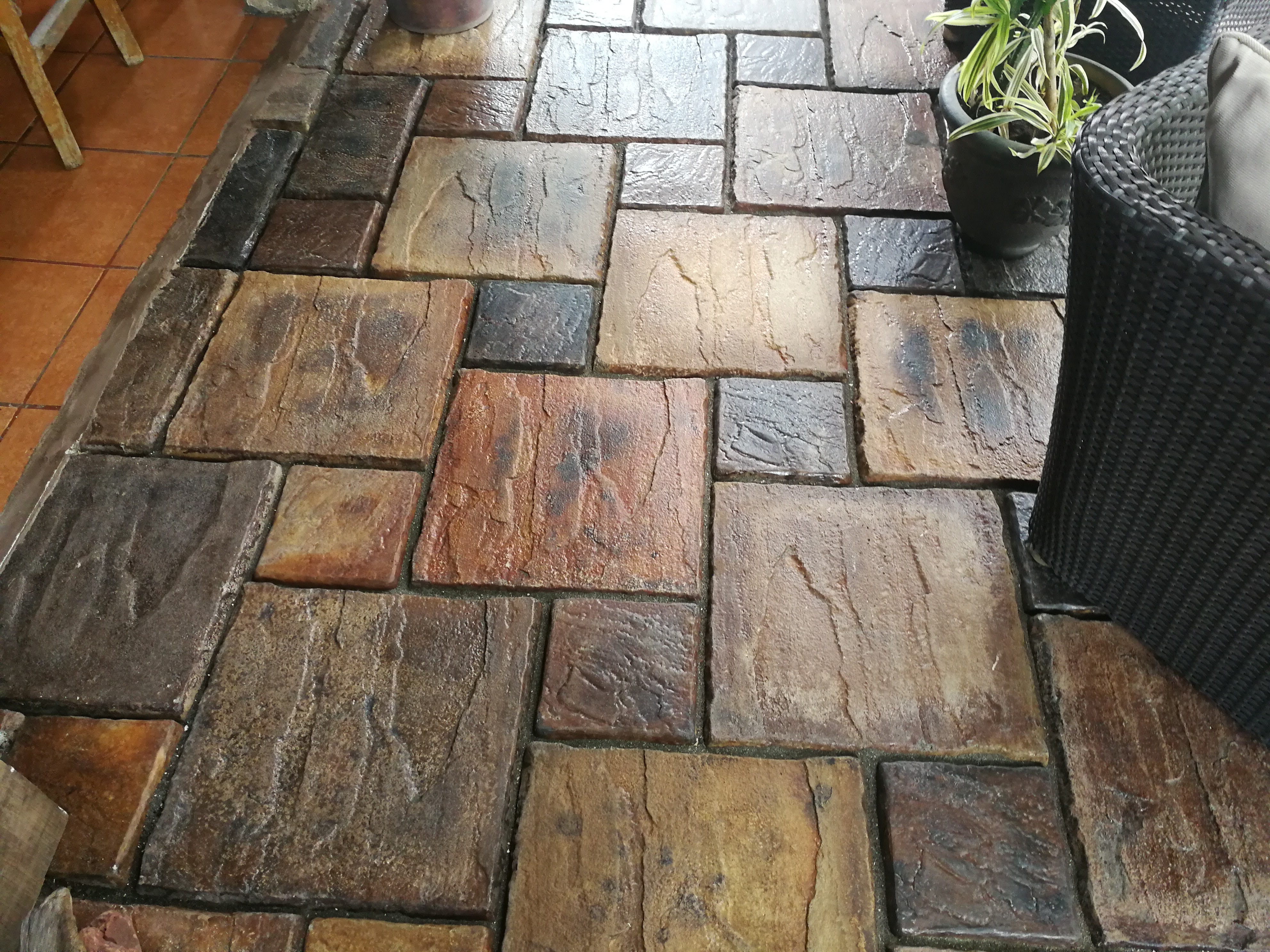
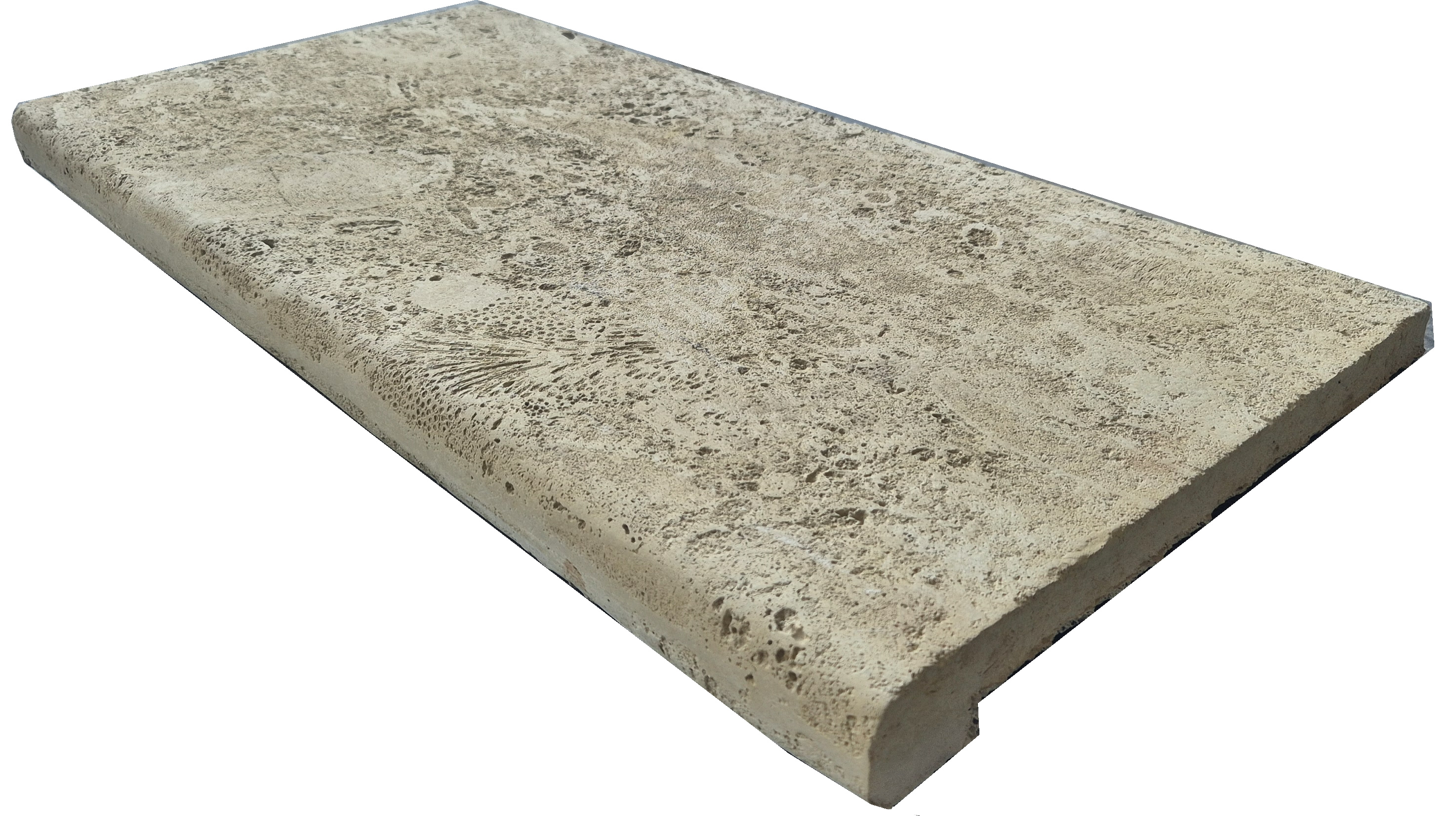
It is not a photograph of your finished house: it is an honest simulation that uses the photo of the product we would actually deliver, laid straight and level over the area you mark and multiplied by the light in your own photo.
Upload the photo
Straight on, in good light. A flat, clear wall gives the best result.
Mark the wall
Drag the points to outline the area you want to clad; the stone fills it straight and level. Drag a hollow dot to add a point and cut the outline in a straight line — a counter corner, a door frame. Double-tap an added point to remove it.
Pick and compare
Change stone as often as you like. Press and hold the image to see the before, then download the result or send it on WhatsApp.
Frequently asked questions
Is my photo uploaded anywhere?
No. The image is opened and processed inside your own browser; it never leaves your phone or computer, and we neither receive it nor store it.
How close is it to the real thing?
It gives a very good idea of the colour and the scale of the stone on your wall, because it uses the real product photograph and applies the light from your own photo. It does not reproduce the grout, the relief piece by piece, or the exact tone of the batch. For that, ask for a physical sample before deciding.
What kind of photo works best?
A straight-on photo, evenly lit, with the wall clear. The stone is drawn straight and level, so the more head-on the wall is, the more real the result looks. What does get in the way is furniture, plants, or very hard shadows across the wall.
Can I try several stones on the same photo?
Yes. Mark the wall once and change line and colour as often as you like; each change is redrawn instantly.
Can I save or share the result?
Yes. You can download the image or send it to us on WhatsApp along with the stone you picked, and we will quote on that.
What if I want to know how much material I need?
Use the calculator: it tells you the square metres of flat pieces and the linear metres of corner pieces your project takes, and how many boxes that comes to.
In short
Deco Rock stone visualiser: the customer uploads a photo of their wall, marks the area and sees the stone veneer laid on straight and level, carrying the light and shadow of their own photograph. It runs inside the browser and the photo is never uploaded to a server.
Like what you see?
Ask for a physical sample before deciding — the real tone depends on the light, the grout and the batch. And if you already know which one you want, we will work out the material.